
Meet Buddy, your pantry meerkat
Snap the receipt.
Your pantry fills itself.
Pantry Buddy turns grocery receipts into a live list of what is in your fridge, freezer and cupboards, with dates. It tells you what to eat first and stops you buying a third jar of cumin.
Free on iPhone and iPad. Same account on the web.
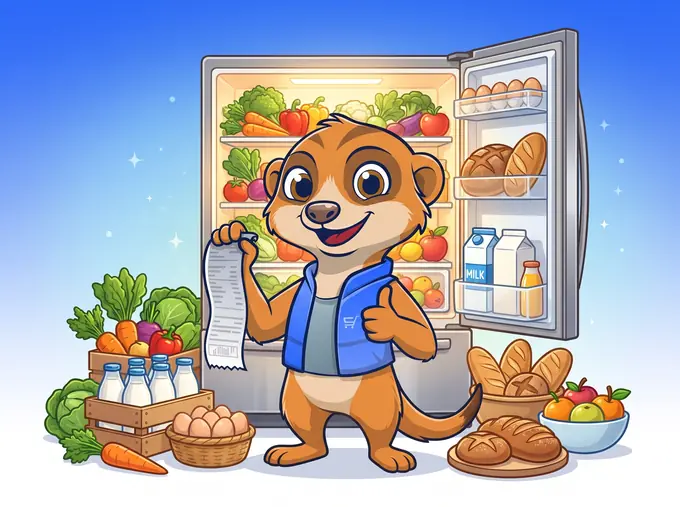
How it works
From the checkout to dinner in four steps
- 1
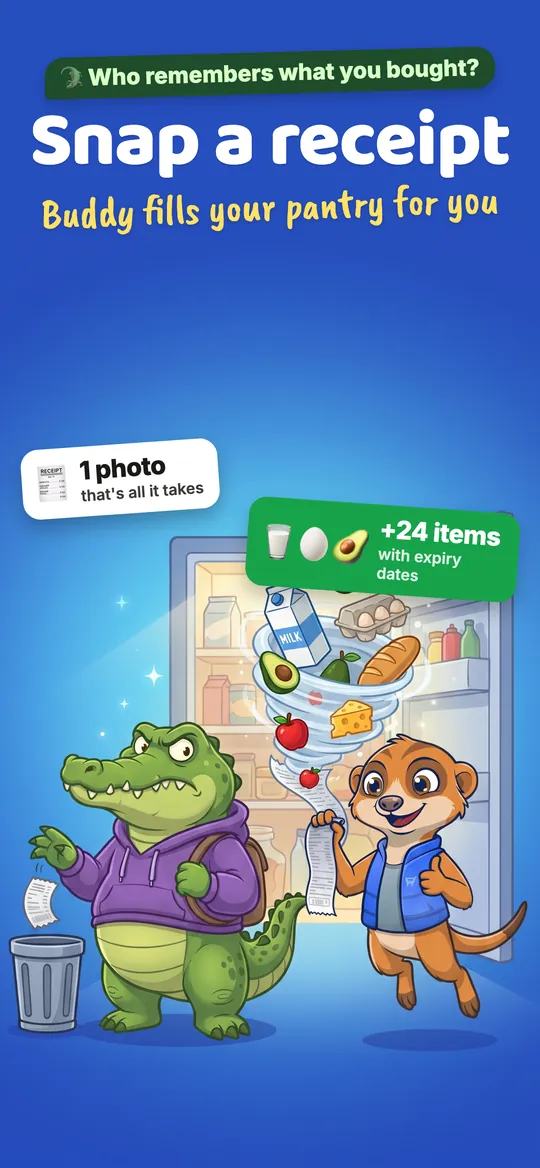
Snap the receipt
Take a photo at the checkout or upload one later. Buddy reads every line, tidies up the cryptic names and sorts each item into fridge, freezer or pantry.
Long receipt? Shoot it in parts.
- 2
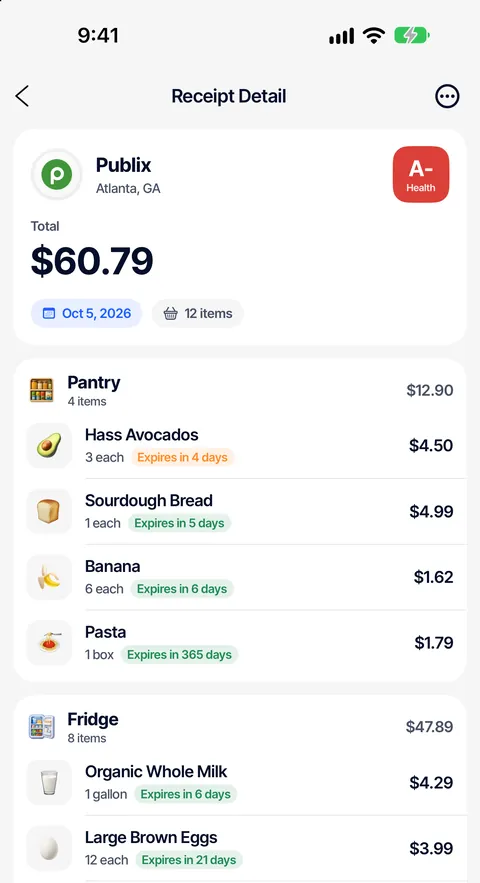
Your pantry fills itself, with dates
Every item gets a best-before estimate from what it is and where it lives. Printed date says otherwise? Change it in a tap.
No more fridge archaeology.
- 3
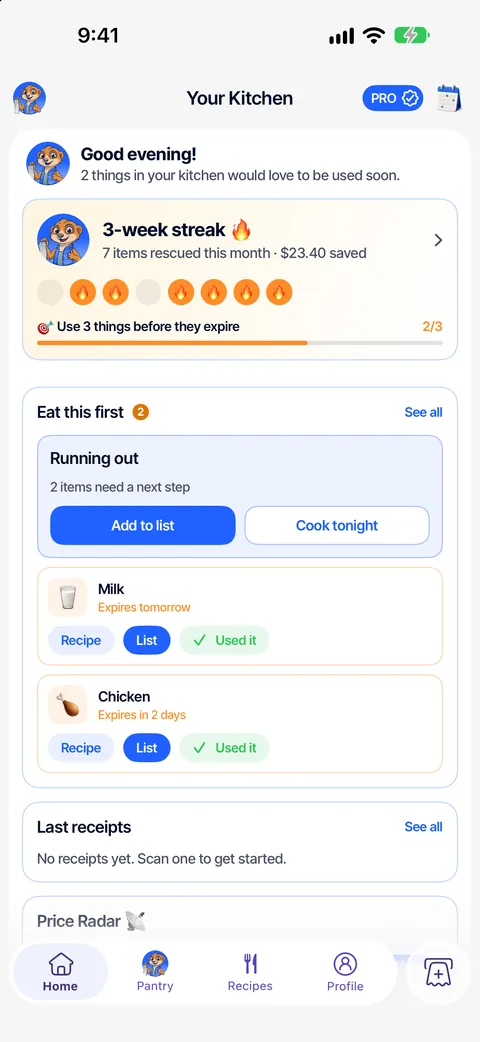
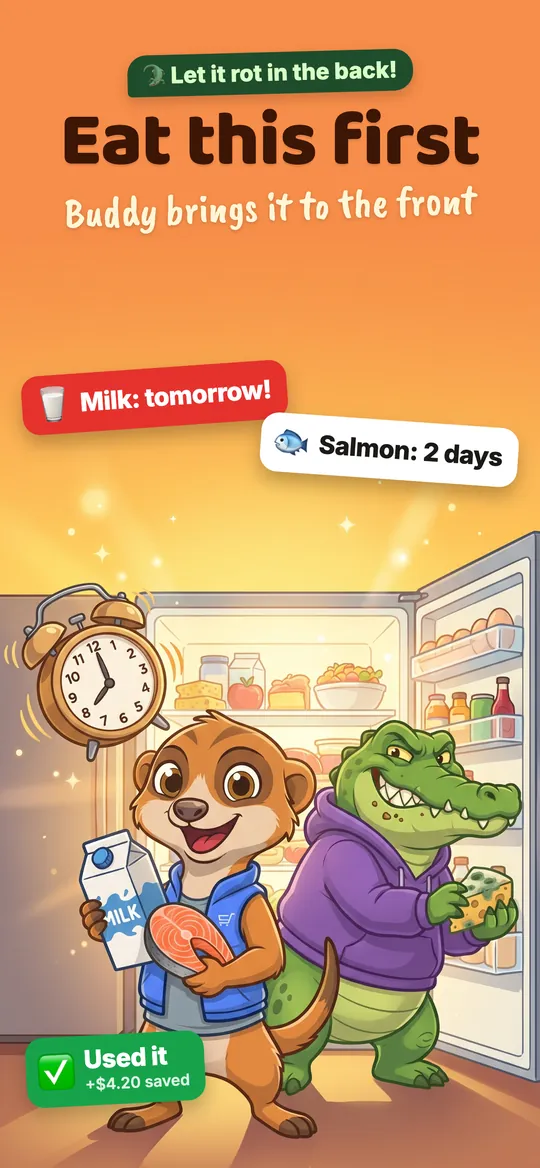
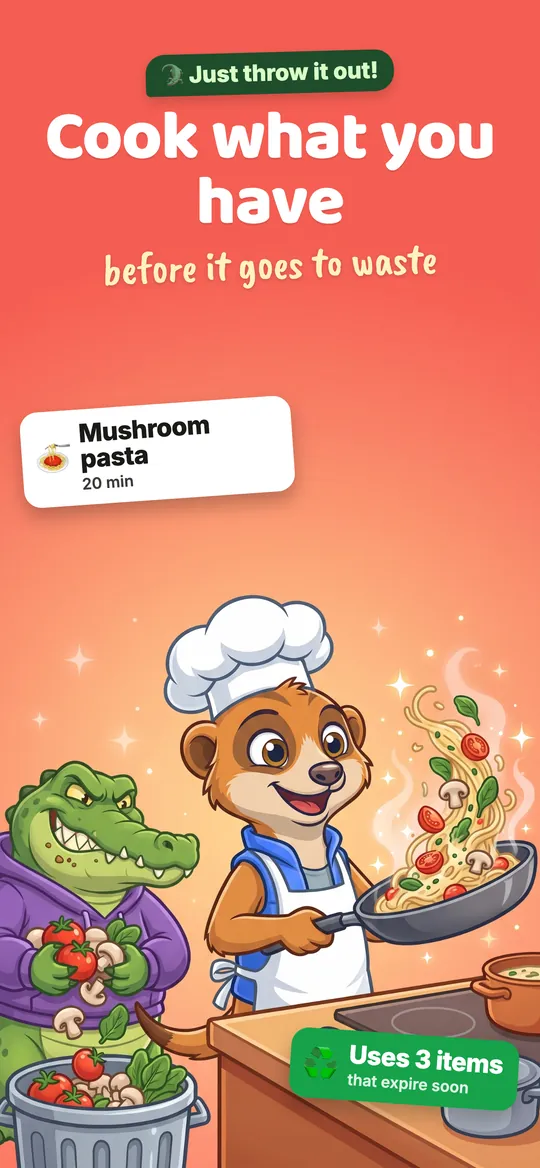
Eat this first, cook from what you have
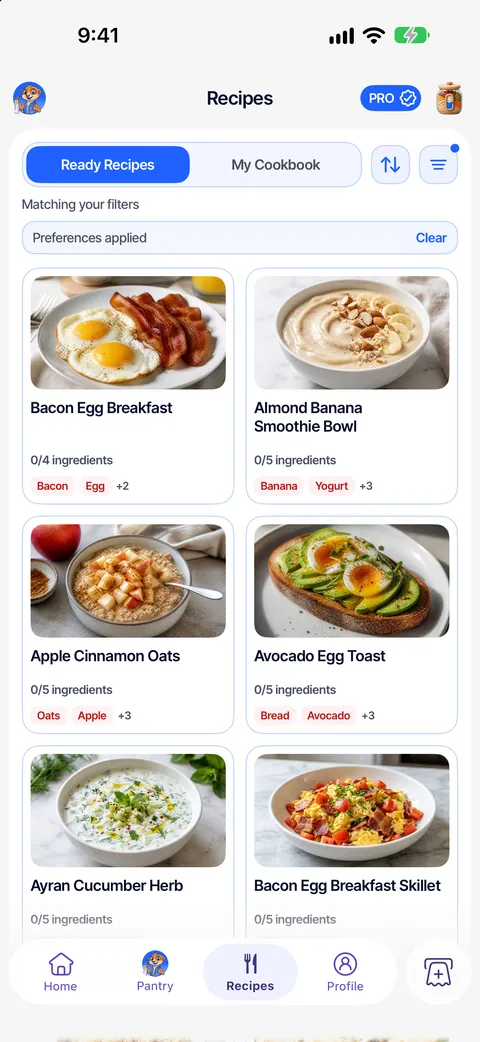
Home shows the few things to use before they turn, and recipes are ranked by what is already on your shelves.
Milk: tomorrow. Chicken: 2 days.
- 4
Waste less, keep the savings
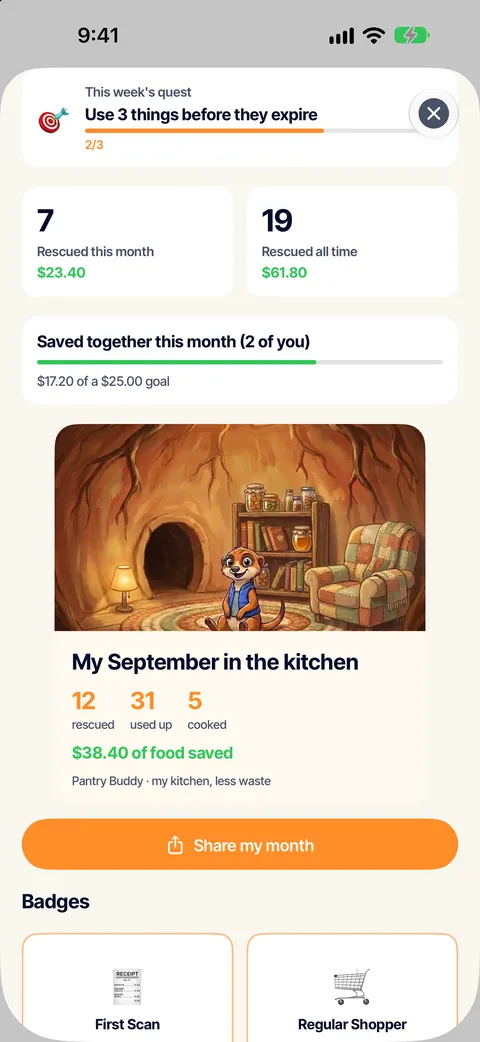
Mark things as used, keep a weekly streak and watch the rescued-food total add up. Your shopping list already knows what you have.
Fewer duplicate buys, too.


Every fridge has one
Meet the Waste Croc.
He pushes the spinach to the back, lets the yogurt sneak past its date and talks you into a second bag of rice you already own. Buddy drags it all back to the front, nudges you before it turns and keeps a tally of everything you rescued.
- Expiry nudges at the right time
- A weekly rescue streak
- Duplicate-buy warnings
- A monthly kitchen recap
Features
Everything the fridge door can't tell you
Built for the weekly shop, the Tuesday-night “what can I make” and the household group chat.
AI receipt scanner
Crumpled, faded or a metre long. Items land in your pantry in seconds, prices included.
Fridge, freezer, pantry
Sections that match your kitchen, plus your own. The garage shelf counts too.
Eat this first
A short list of what to use before it goes off, on Home and in widgets.
A list that knows your shelves
Add what is missing for a recipe in one tap, and skip what you already own.
Recipes from your shelves
Ideas ranked by what you have and what expires soonest. Save your own, too.
One pantry for the household
Invite your people. Everyone sees the same pantry and the same list.
Price Radar
See where the things you buy often cost less at stores near you.
Talks to your AI assistant
Connect ChatGPT, Claude or Grok and ask what expires this week.
How to connect



Straight from the App Store

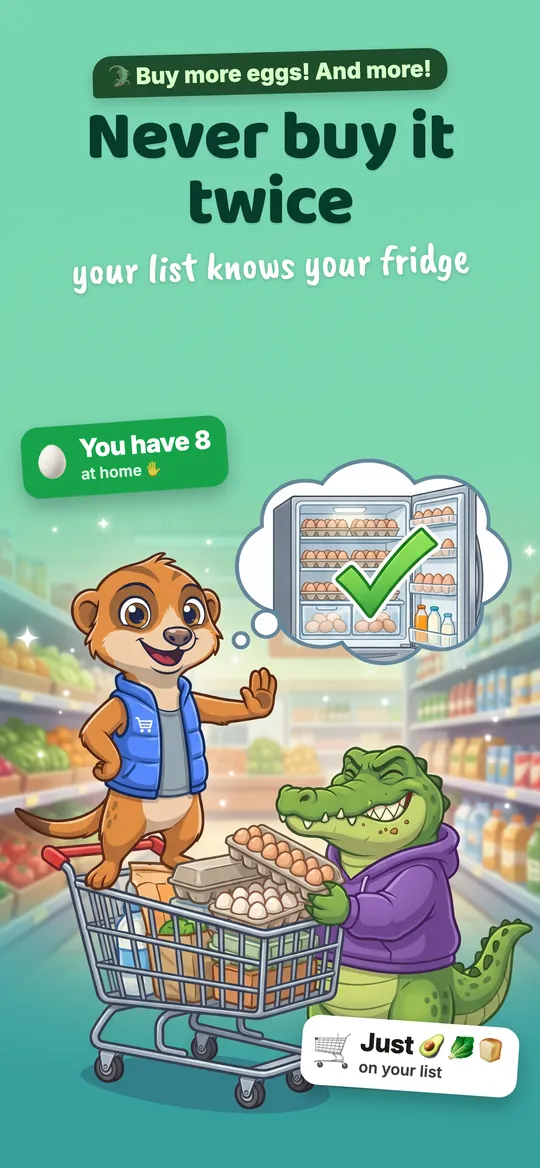
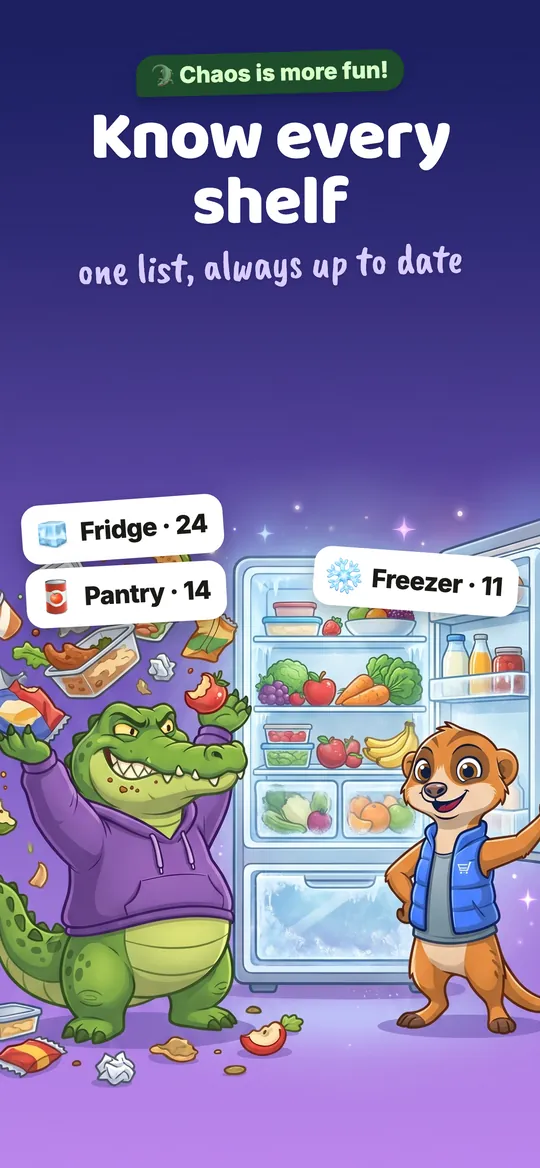
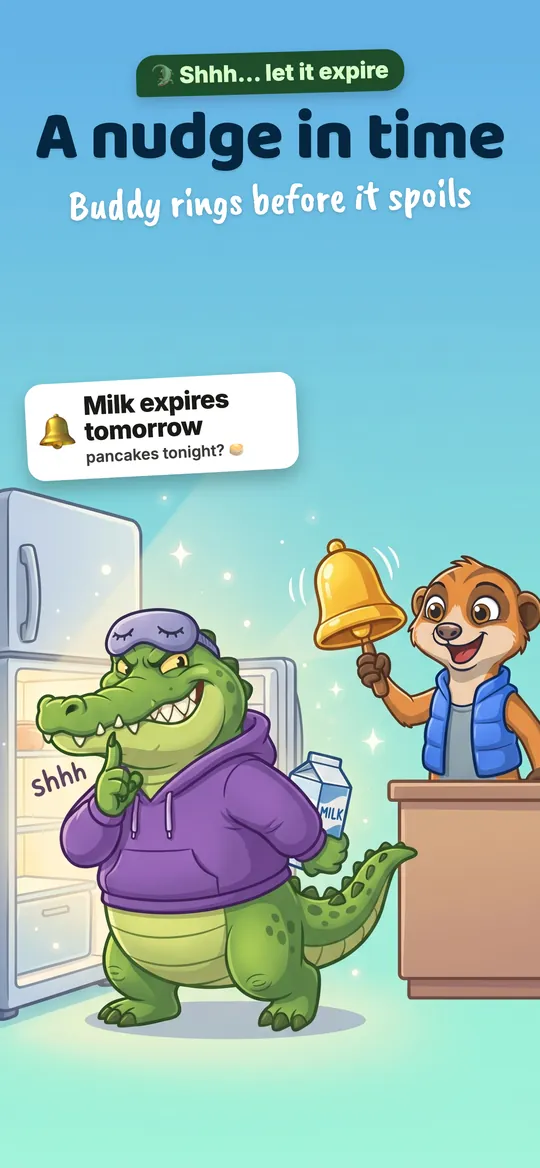

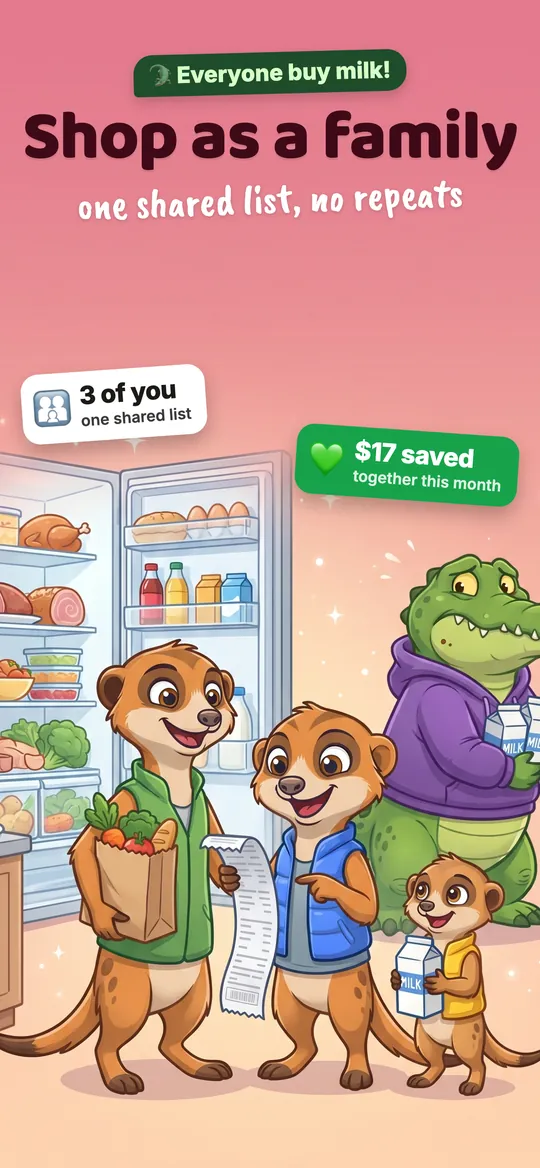

New
Your pantry on the big screen
Sign in with the same account to check what is expiring, tick off the shopping list, browse recipes and upload receipts from your computer.
Using the app without an account? Open the app → Profile → Account to add an email, then sign in here.
Premium
For kitchens that never stop
- Unlimited AI receipt scans
- Expiry reminders before food turns
- Smart restock alerts
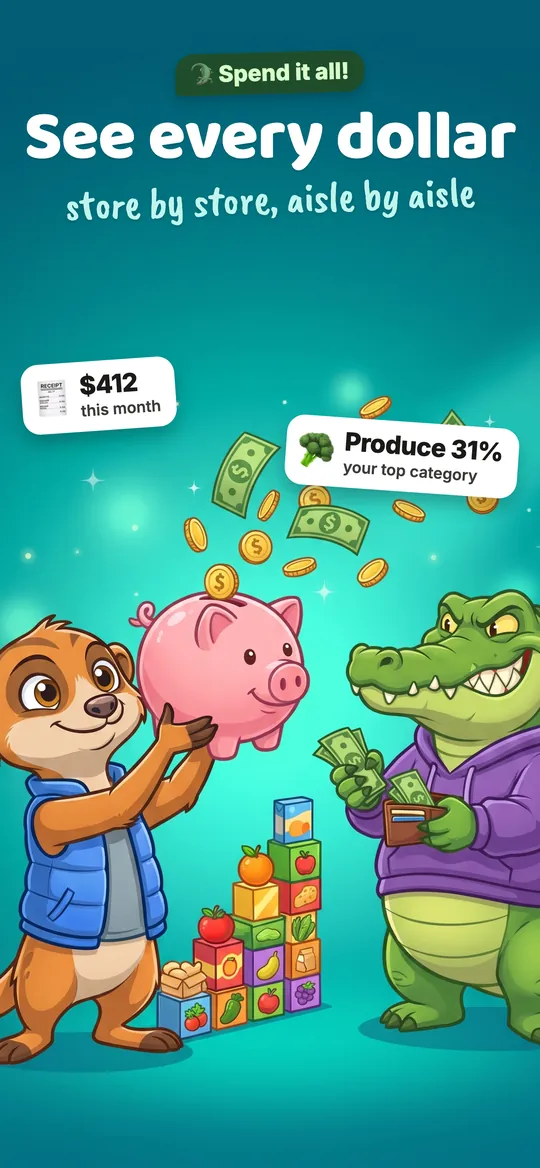
- Spending and purchase insights
Questions, answered
More on the support page, or write to info@bonbrain.com.
Is Pantry Buddy free?
Yes. Pantry Buddy is free to download and the free plan includes a few AI receipt scans every week, your pantry, shopping lists and recipes. Premium is an optional subscription that adds unlimited scanning, expiry reminders, smart restock alerts and spending insights.
Which receipts can it read?
Grocery receipts from most supermarkets and corner stores. Take a photo (long receipts can be split over several photos) or upload a picture from your library. On the web you can upload photos or a PDF receipt.
How does it know when food expires?
Pantry Buddy estimates a shelf life for every item from the type of food and where you keep it (fridge, freezer or pantry). Printed dates always win: change any date in a tap and it stays the way you set it.
Can I use Pantry Buddy on my computer?
Yes. Sign in at pantrybuddy.co with the same email and password you use in the app to see your pantry, shopping lists, recipes and receipts, and to upload receipts from your computer.
I use the app without an account. How do I sign in on the web?
Open the app, go to Profile → Account and add an email and password. Your pantry stays the same; then sign in here with that email.
Can my household share one pantry?
Yes. Invite people from Profile → Household in the app. Everyone sees the same pantry and shopping lists, on the phone and on the web.
Your fridge is waiting.
Scan your next grocery receipt and see what Buddy finds. It takes about as long as unpacking the bags.